


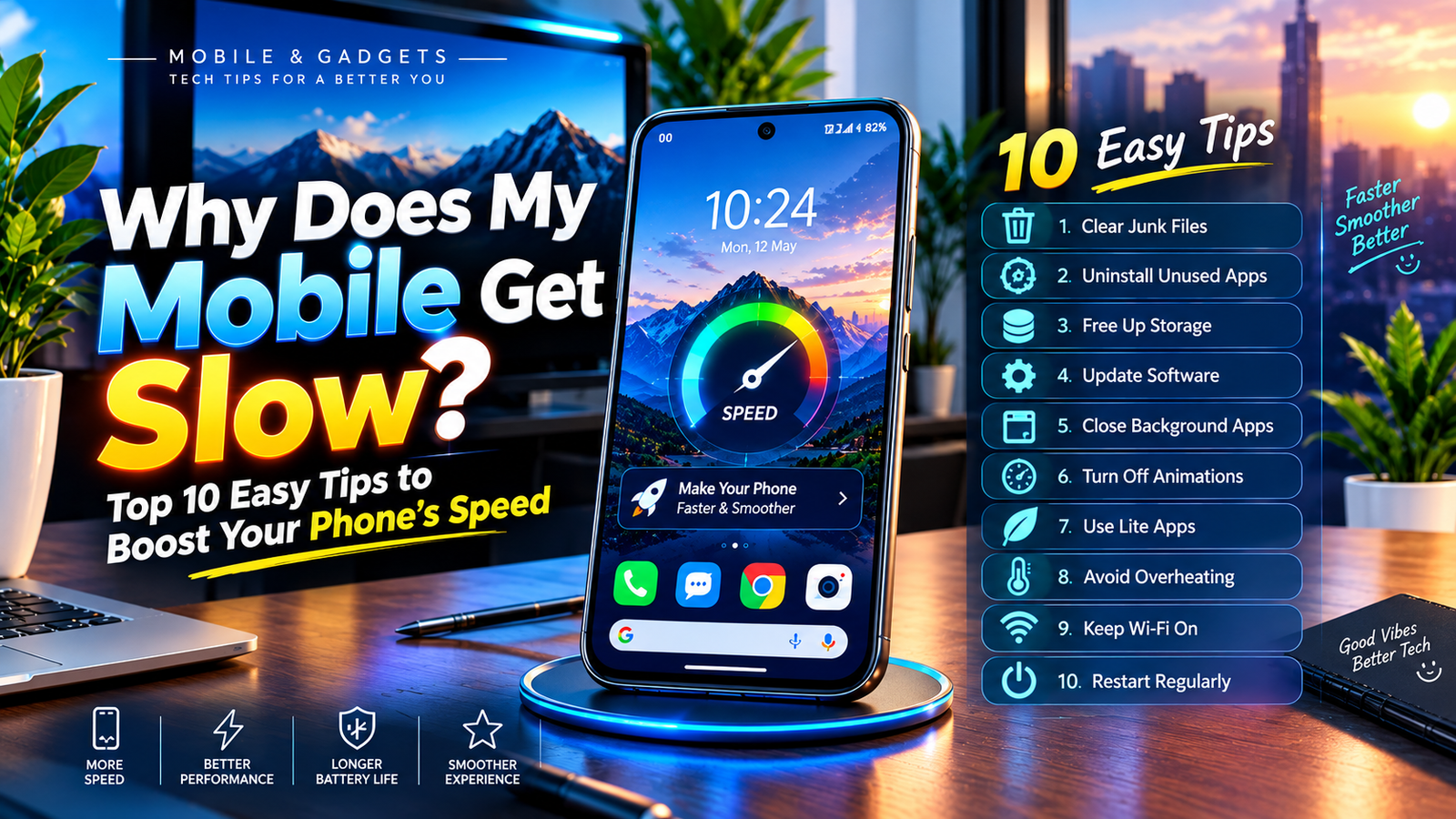
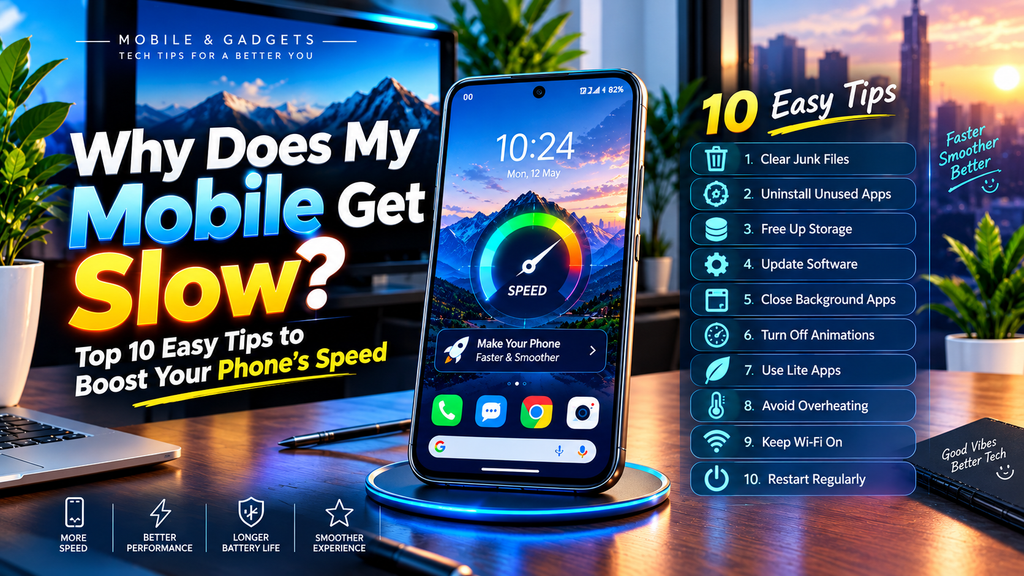
A smartphone is one of the most important devices in our daily life. We use it for communication, social media, online shopping, entertainment, photography, banking, studying, and work. However, after using a phone for months or years, many users notice that it does not perform as smoothly as it did when it was new. Apps may take longer to open, the screen may freeze, websites may load slowly, and the phone may sometimes become unresponsive.A slow mobile phone does not always mean that the device is old or damaged. In many cases, the problem is caused by limited storage, unnecessary applications, outdated software, background processes, overheating, or too many temporary files.The good news is that you can improve your phone’s performance with several simple steps. Below are 10 easy and practical tips that can help make your smartphone faster and smoother.
1. Clean Junk And Temporary Files
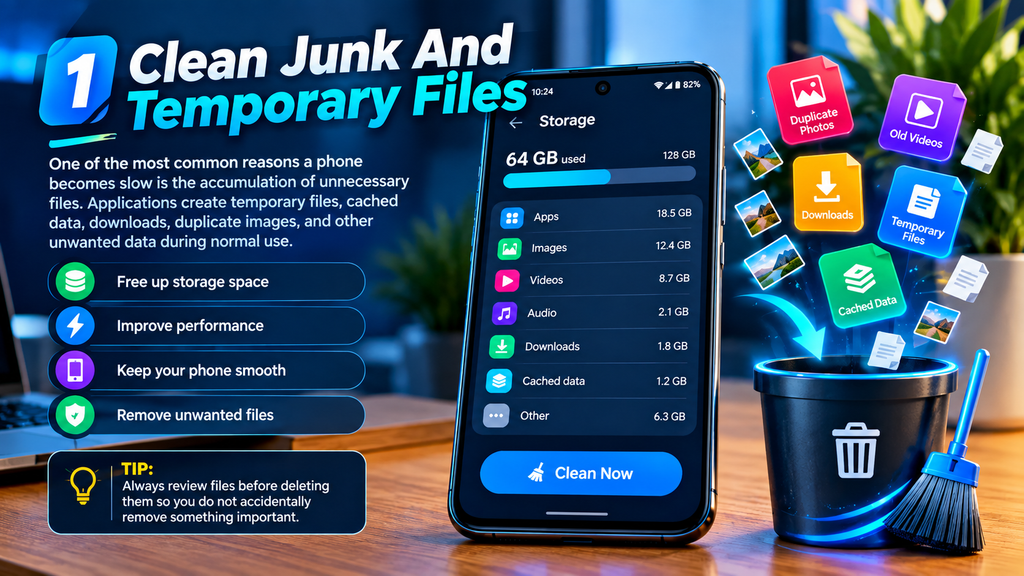
One of the most common reasons a phone becomes slow is the accumulation of unnecessary files. Applications create temporary files, cached data, downloads, duplicate images, and other unwanted data during normal use.Over time, these files can occupy a significant amount of storage. When your phone has very little free space, its overall performance may suffer.Go to your phone’s storage settings and check which files and applications are using the most space. Remove unnecessary downloads, duplicate photos, old videos, and unwanted files. Many modern smartphones also provide built-in storage-cleaning tools that can identify unnecessary data.However, always review files before deleting them so you do not accidentally remove something important.
2. Uninstall Apps You No Longer Use
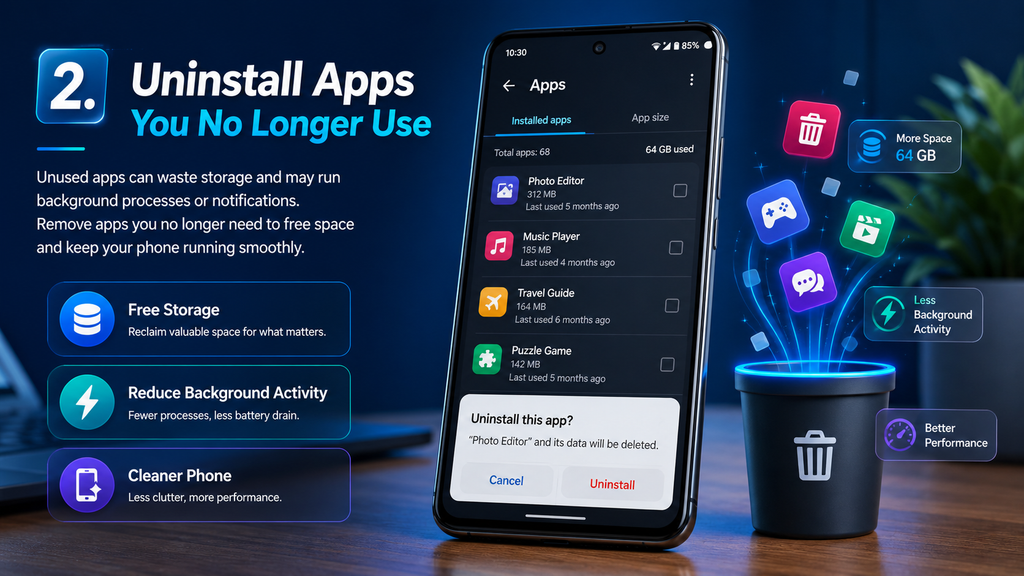
Many people install applications for a specific purpose and then forget about them. Keeping dozens of unused apps can waste storage and, in some cases, allow background processes or notifications to continue running.Open your application list and identify apps that you have not used for a long time. If you no longer need them, uninstall them.Removing unnecessary apps can free storage and reduce the number of processes competing for your phone’s resources. It can also make your home screen and app drawer easier to manage.
3. Free Up Storage Space
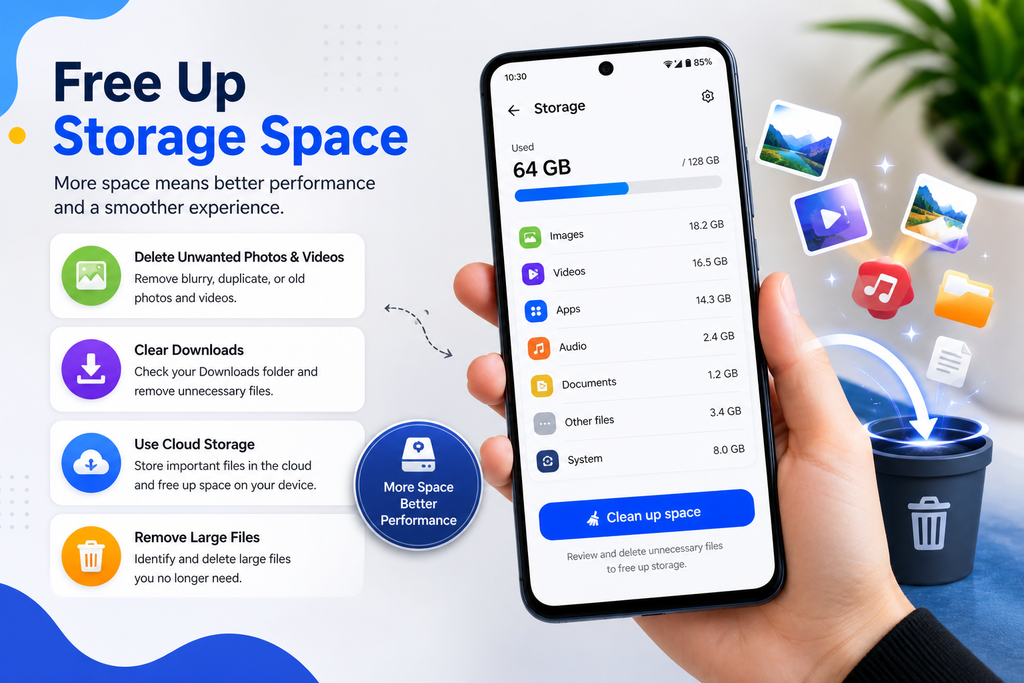
Storage plays an important role in smartphone performance. A phone that is almost completely full may not operate as efficiently as one with sufficient free space.Photos and videos are often responsible for consuming large amounts of storage. Review your gallery and remove unwanted media. You can also transfer important photos and videos to a computer or a trusted cloud-storage service.Check folders such as Downloads, screen recordings, messaging-app media, and offline videos because they can quietly consume a lot of space.Keeping reasonable free storage can help your phone remain responsive and easier to manage.
4. Keep Your Software Updated

Software updates are not only about adding new features. They can also contain security improvements, bug fixes, compatibility updates, and performance optimizations.If your phone is running an outdated version of its operating system, certain applications may not work as efficiently as they should.Check your phone’s software-update section regularly. Before installing a major update, make sure your battery is sufficiently charged and that important data is backed up.You should also update your frequently used applications through the official app store. Updated apps are often better optimized for newer operating-system versions.
5. Close Unnecessary Background Apps
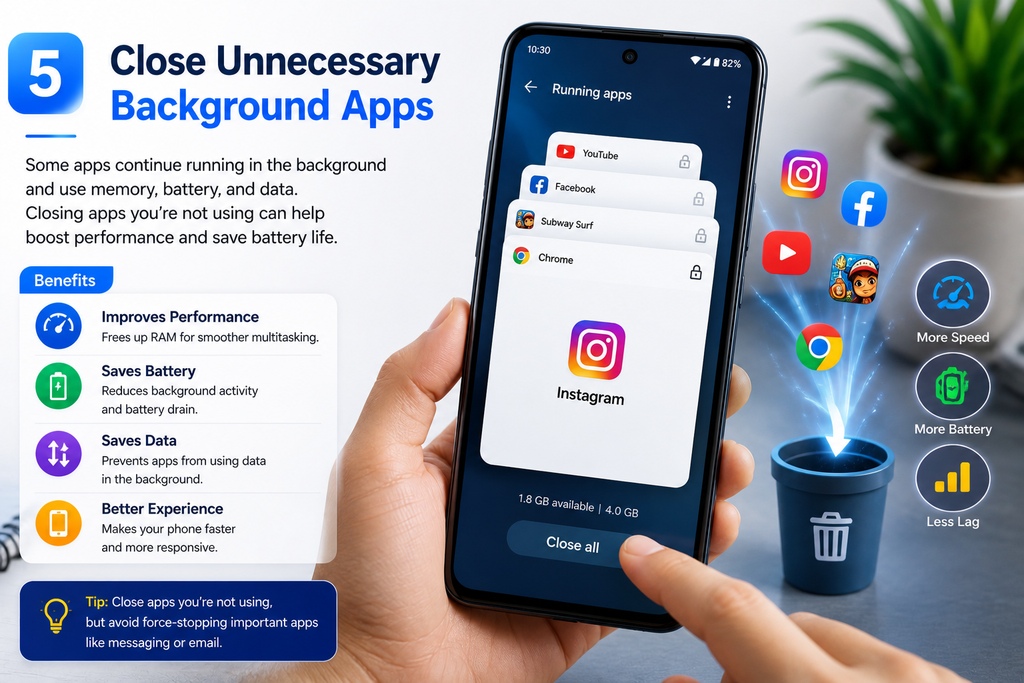
Some applications continue performing tasks in the background even when you are not actively using them. Depending on the app and phone settings, background activity can consume memory, processing power, battery, or mobile data.If you notice that many apps are open, close applications that you are finished using. You can also review background-app permissions in your phone’s settings.However, constantly force-closing every application is not always necessary. Modern smartphones are designed to manage memory automatically. Focus on apps that genuinely cause problems or consume excessive resources.
6. Reduce Unnecessary Animations

Modern smartphones use animations to make menus, transitions, and applications feel visually smooth. These effects look attractive, but on some older or lower-powered devices, reducing unnecessary animations can make the interface feel more responsive.Depending on your smartphone model, you may find animation-related options under accessibility or developer settings.If your phone feels sluggish when opening menus or switching between screens, reducing certain visual effects may help create a faster-feeling experience.This tip is particularly useful for older smartphones that struggle with demanding interface effects.
7. Use Lightweight Apps When Appropriate

Some applications are feature-rich but can also require significant storage, memory, and processing power. If your phone has limited hardware resources, using lighter alternatives can sometimes provide a smoother experience.For example, if an application has an official lightweight version, you can consider using it. You can also access certain services through a mobile browser when that makes sense.The goal is not to remove every large application. Instead, choose applications that match your phone’s available storage and performance capabilities.
8. Avoid Excessive Overheating

Heat can affect smartphone performance. When a phone becomes excessively hot, it may automatically reduce processing performance to control its temperature.Heavy gaming, long video recording sessions, direct sunlight, demanding applications, and intensive charging can all contribute to heat buildup.Try to keep your phone in a cool environment and avoid exposing it to direct sunlight for extended periods. If the device becomes unusually hot, stop demanding tasks and allow it to cool naturally.Avoid using damaged chargers or cables, and follow the manufacturer’s charging recommendations.
9. Check Your Internet Connection.

Sometimes a phone appears to be slow when the actual problem is the internet connection. Social-media feeds, websites, cloud services, and streaming applications depend heavily on network speed and stability.If web pages or online applications are taking a long time to load, test your connection. Try switching between Wi-Fi and mobile data to determine whether the problem is network-related.Restarting your router, moving closer to a Wi-Fi access point, or reconnecting to the network may help in certain situations.Remember that improving internet speed will not fix a phone that is slow while opening offline apps or navigating the system itself. These are different problems.
10. Restart Your Phone Regularly.
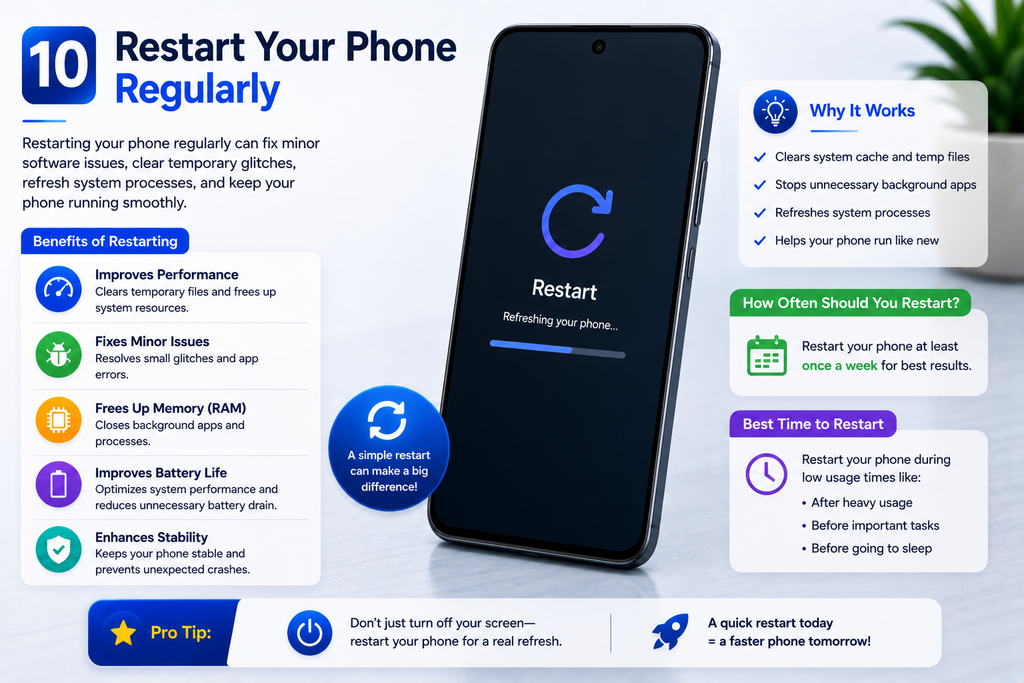
A simple restart can sometimes solve temporary performance issues. During normal use, applications and system processes may encounter minor glitches or remain active longer than expected.Restarting the phone gives the operating system a fresh session and can clear certain temporary problems.If your phone suddenly becomes slow, apps start behaving strangely, or the interface becomes unresponsive, restarting it is one of the simplest troubleshooting steps to try.You do not need to restart your phone constantly, but doing so when performance problems appear can be useful.
Hashtags
#MobileTips #AndroidTips #SmartphoneTips #PhoneSpeed #MobileSpeed #TechTips #Android #Smartphone #PhoneTips #SlowPhone #MobilePerformance #PhoneProblems #SpeedUpPhone #TechGuide #Technology #GadgetTips #AndroidTipsAndTricks #SmartphoneGuide #MobileTricks #TechUpdates
Why does my mobile get slow, How to speed up a slow phone, How to make mobile faster, Mobile speed tips, Phone performance tips, Why is my phone slow, Slow phone solution, How to fix a slow smartphone, Android phone slow, How to increase phone speed, Smartphone performance, Mobile performance tips, Phone lagging solution, How to free phone storage, Android speed tips, Smartphone optimization, Phone hanging problem, How to clean phone storage, Tips to make phone faster, Mobile troubleshooting.